CrashLoopBackOff means a container is repeatedly failing and Kubernetes is delaying the next restart. It is not the root cause. The fastest diagnosis comes from the last termination state, the previous container logs, and Pod events—not from deleting the Pod and waiting for the same failure to return.
TL;DR
Collect these four pieces of evidence before changing the workload:
kubectl get pod <pod> -n <namespace> -o wide
kubectl describe pod <pod> -n <namespace>
kubectl logs <pod> -n <namespace> -c <container> --previous
kubectl get pod <pod> -n <namespace> -o yaml
Read the exit reason and code, the last useful log lines, recent warning events, probe configuration, environment sources, mounts, and resource limits. Restarting only resets the visible symptom.
Why is the Pod waiting if the container crashed?
Kubernetes restarts a failed container according to its restart policy. Repeated failures trigger an exponential delay so the kubelet does not spin continuously. The status shown as CrashLoopBackOff describes that delay.
The practical implication is important: the container is often not running when you inspect it. Current logs may be empty or contain only the newest startup attempt. --previous asks for logs from the terminated container instance and is often the highest-value command in the investigation.
Which evidence maps to which cause?
| Signal | Likely direction |
|---|---|
OOMKilled, exit 137 |
Memory limit or process memory spike |
| Exit 1 with application error | Bad config, dependency, migration, or code |
| Exit 126 or 127 | Entrypoint permission or command not found |
| Liveness probe failures | App runs, but health check repeatedly kills it |
| Startup probe failures | Startup takes longer than the configured allowance |
CreateContainerConfigError |
Missing Secret, ConfigMap, or invalid reference |
| Mount warnings | Volume, CSI, permission, or attachment issue |
Treat these as directions, not automatic fixes. Exit 137 can also result from an external kill; confirm lastState.terminated.reason. A probe failure may expose a broken app rather than a bad probe.
What should you read in the Pod status?
Inspect the affected container, not only the overall Pod phase:
state.waiting.reasonlastState.terminated.reasonlastState.terminated.exitCode- restart count
- container image and command
- requests and limits
For multi-container Pods, specify -c <container>. A healthy sidecar can make the top-level row look less obvious while the application container keeps failing.
How do you separate probes from application crashes?
Events usually say when a liveness, readiness, or startup probe failed. Compare the event timestamp with the restart timeline. Then inspect:
- probe path, port, and scheme
initialDelaySecondsperiodSecondstimeoutSecondsfailureThreshold- whether the application binds before initialization finishes
Do not simply increase every delay. First test the exact probe endpoint or command. If the endpoint never succeeds, a longer delay only postpones the restart.
How do you confirm an OOM failure?
Check the terminated reason and the configured memory limit. Then compare it with workload metrics around startup if metrics are available. Raising the limit can restore service, but it does not explain whether memory growth is expected, a temporary startup peak, or a leak.
Use the Prometheus Pod metrics workflow when you need to compare the pre-crash trend with peer replicas and rollout timing.
The safe sequence is:
- Confirm
OOMKilled. - Record the old limit and observed peak.
- Check whether the image or config changed.
- Choose a temporary recovery action.
- Put the durable resource change in the deployment source of truth.
How does Krust keep the evidence together?
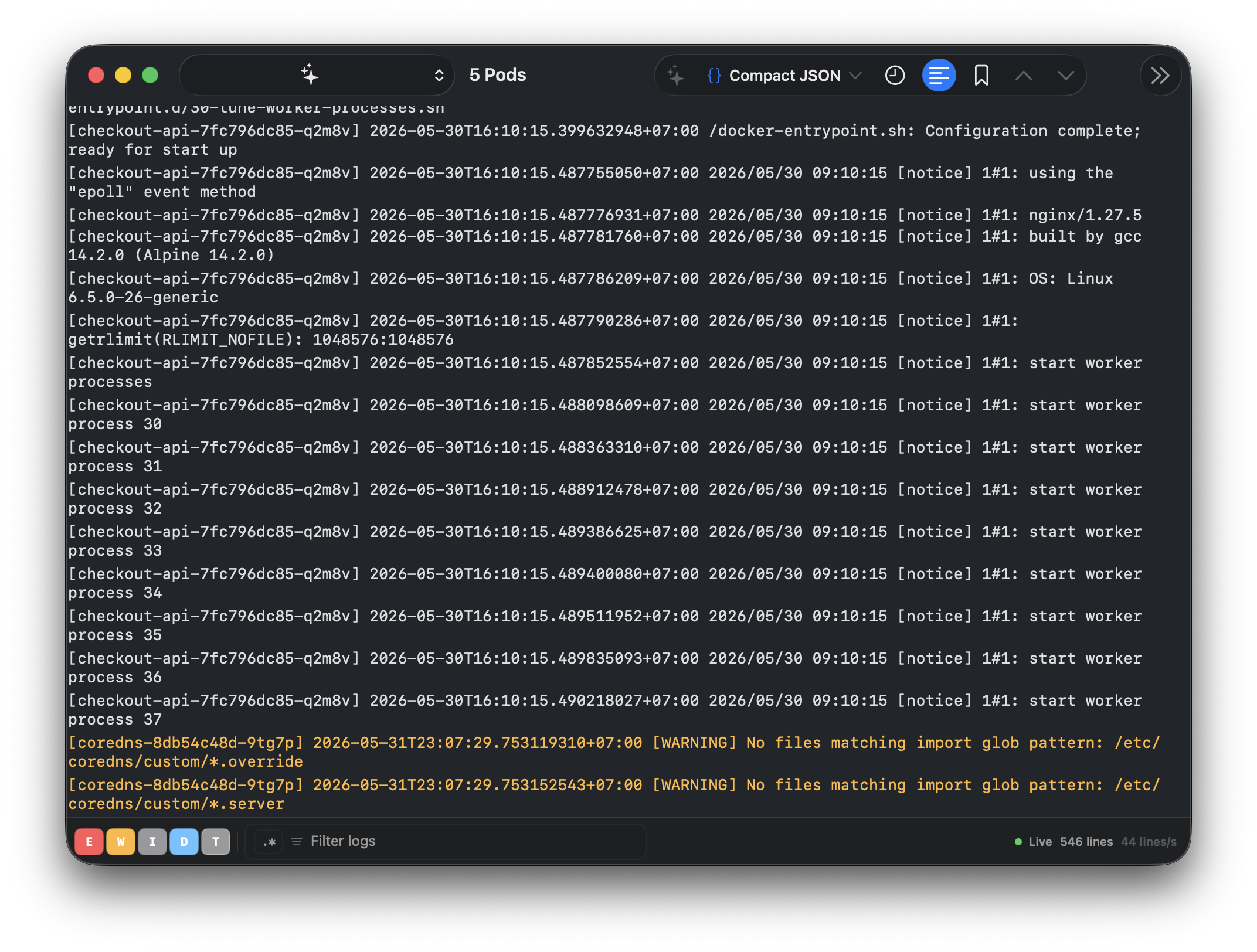
Krust’s Pod inspector puts container state, events, logs, YAML, and metrics on the same resource. For a restarting container, switch to previous logs and compare the failure time with warnings and limits. The AI diagnostic flow can collect the same read-only evidence, but the evidence remains visible so the conclusion can be checked.
The tool is not the method. The method is to follow termination → logs → events → configuration before mutation. See Krust logs or use the commands above.
Common wrong fixes
- Delete the Pod first: destroys the easiest view of the failed instance.
- Read only current logs: misses the terminated container output.
- Raise memory because of exit 137: confirm the termination reason and trend.
- Disable probes: removes detection instead of fixing startup or health.
- Edit the live Deployment only: a GitOps controller may revert the change.
FAQ
Does CrashLoopBackOff mean the Pod is permanently broken?
No. It means Kubernetes is backing off between repeated restart attempts. The next attempt can succeed if the dependency or configuration problem clears.
Why does kubectl logs --previous return nothing?
The runtime may no longer have the previous log, the selected container may be wrong, or the container may fail before writing output. Use events and termination state as the next evidence source.
Should I scale the Deployment to zero?
Only when stopping repeated side effects is part of incident containment. Scaling changes availability and should be an explicit recovery decision, not a diagnostic reflex.