To verify whether an identity can delete Pods, ask the Kubernetes authorization API about the exact verb, resource, namespace, and optionally resource name. Do not infer access from a Role name. Effective permission can come from several RoleBindings and ClusterRoleBindings, and Kubernetes RBAC permissions are additive.
TL;DR
Check your current identity:
kubectl auth can-i delete pods -n productionCheck a specific service account, if your own identity is allowed to impersonate it:
kubectl auth can-i delete pods -n production \
  --as=system:serviceaccount:checkout:deploy-bot
Then trace the answer through RoleBindings and ClusterRoleBindings. A yes proves the authorization decision for that request. It does not prove which binding granted it until you inspect the subjects and referenced roles.
Why is reading one Role not enough?
Kubernetes RBAC does not choose one winning role. Permissions accumulate. A user can receive delete pods from:
- a RoleBinding to a Role in the namespace
- a RoleBinding to a ClusterRole, scoped to that namespace
- a ClusterRoleBinding, effective across namespaces
- group membership supplied by the authentication provider
That is why names such as viewer, developer, or ops are not evidence. Read the rules and bindings, or ask the authorization API directly.
What exactly does kubectl auth can-i check?
kubectl auth can-i sends an authorization review for a logical API verb and resource. The important inputs are:
| Input | Example |
|---|---|
| Verb | delete |
| Resource | pods |
| API group | core group for Pods |
| Namespace | production |
| Resource name | an optional specific Pod |
| Identity | current user or an impersonated subject |
Resource name matters when a policy is limited with resourceNames. To check one Pod:
kubectl auth can-i delete pod/api-7f6d9 -n productionAlso remember that deleting a Deployment is a different permission from deleting one of its Pods. Check the resource the action actually targets.
How do you find the binding that grants access?
List namespace bindings first:
kubectl get rolebindings -n production -o yaml
kubectl get clusterrolebindings -o yaml
For each subject match, follow roleRef to its Role or ClusterRole:
kubectl get role <role> -n production -o yaml
kubectl get clusterrole <cluster-role> -o yaml
Look for a rule containing the core API group, pods, and delete, or wildcards that cover them. If the subject is a group, confirm group membership at the identity-provider layer; Kubernetes bindings alone may not reveal it.
What does a “no” answer not tell you?
A denial does not identify whether the missing piece is the verb, resource, namespace, impersonation permission, or a different authenticated identity than expected. Confirm the current context and user:
kubectl config current-context
kubectl config view --minify
When using --as, a failure may mean you cannot impersonate that identity, not necessarily that the target identity lacks Pod deletion permission.
How does K9r make the check faster?
K9r includes a :who-can workflow for checking effective access while keeping the active Kubernetes context and namespace visible. It is useful when the question starts in a resource table: “Can this identity delete this Pod here?”
The result should still be treated as an authorization check, not a complete access audit. For sensitive changes, inspect the binding that produced the permission and keep RBAC changes in the cluster’s source of truth. See K9r documentation for the terminal workflow.
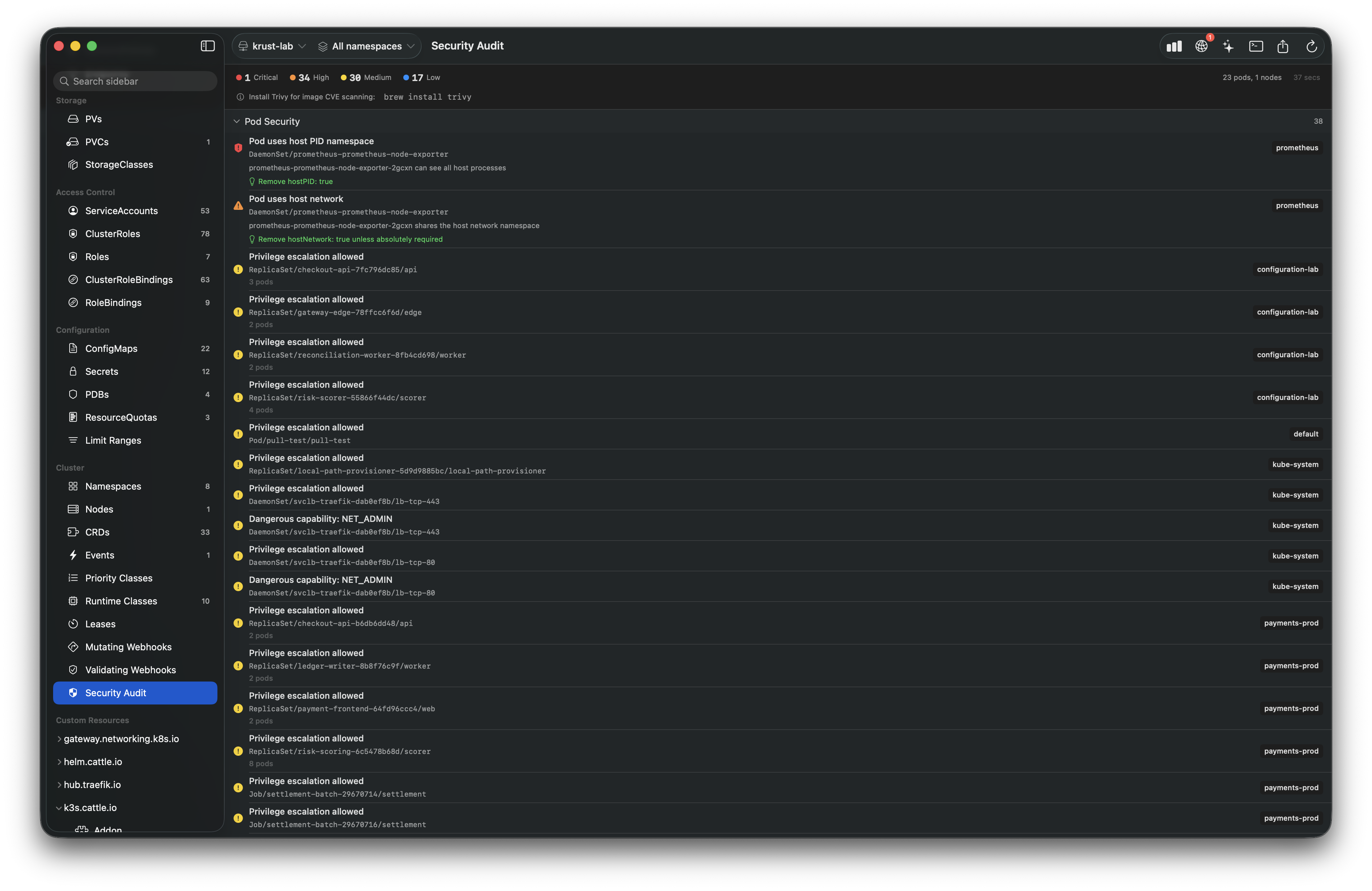
For a wider review that keeps RBAC findings separate from workload configuration and image vulnerabilities, use the Kubernetes Security Audit workflow.
Common RBAC mistakes
- Trusting role names: names have no authorization meaning.
- Ignoring ClusterRoleBindings: they can grant access across namespaces.
- Checking
get podsinstead ofdelete pods: verbs are separate. - Forgetting the namespace: a RoleBinding is namespace-scoped.
- Using
--aswithout impersonation rights: the test itself can be denied. - Adding a broad wildcard to recover quickly: it creates durable excess privilege.
FAQ
Can Kubernetes RBAC explicitly deny an action?
Standard Kubernetes RBAC is additive and does not contain deny rules. A request can still be rejected by another authorization mode or admission policy after RBAC allows it.
Can a RoleBinding reference a ClusterRole?
Yes. The ClusterRole’s rules are then granted only inside the RoleBinding’s namespace. A ClusterRoleBinding grants its referenced ClusterRole at cluster scope.
Is deleting a Pod the same as restarting it?
Operationally, many controllers create a replacement Pod after deletion, but the API action is still a Pod delete. A standalone Pod may not return, so authorization and confirmation should reflect the actual object.